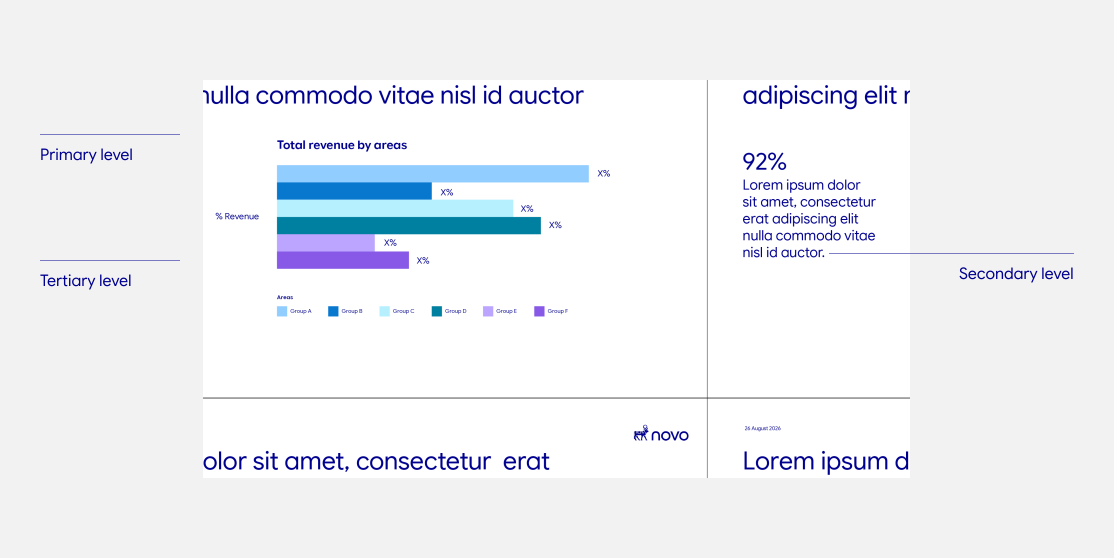
Reference the Novo PowerPoint Template for approved slide layouts, presentation components and practical guidance for building presentations across a wide range of content types.
Use the typography styles built into the template to create hierarchy through scale, weight and spacing.
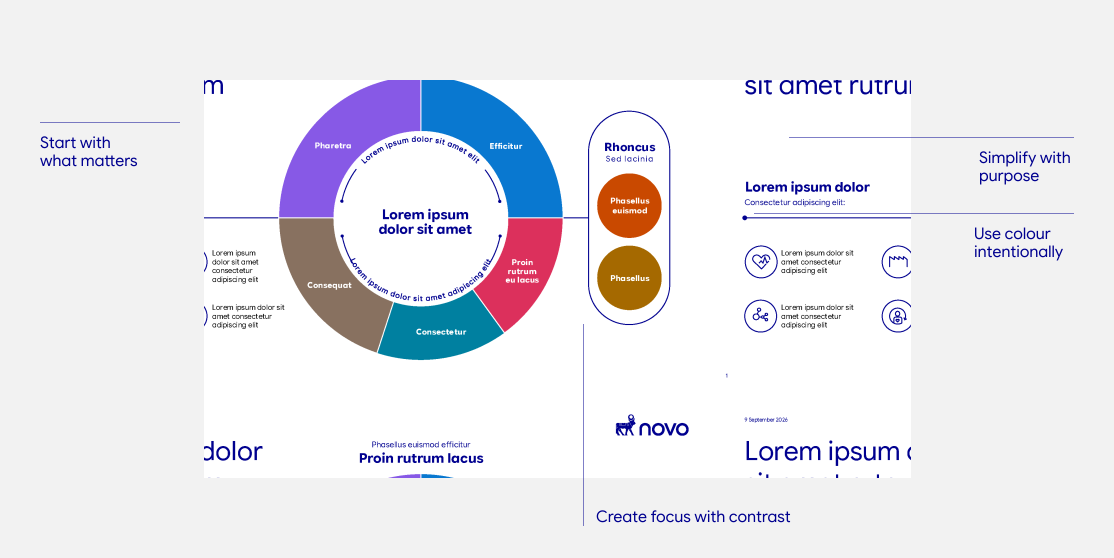
Complex strategic content can still feel clear and focused. Identifying one central idea and organising supporting information around it makes the slide easier to navigate without losing important detail.
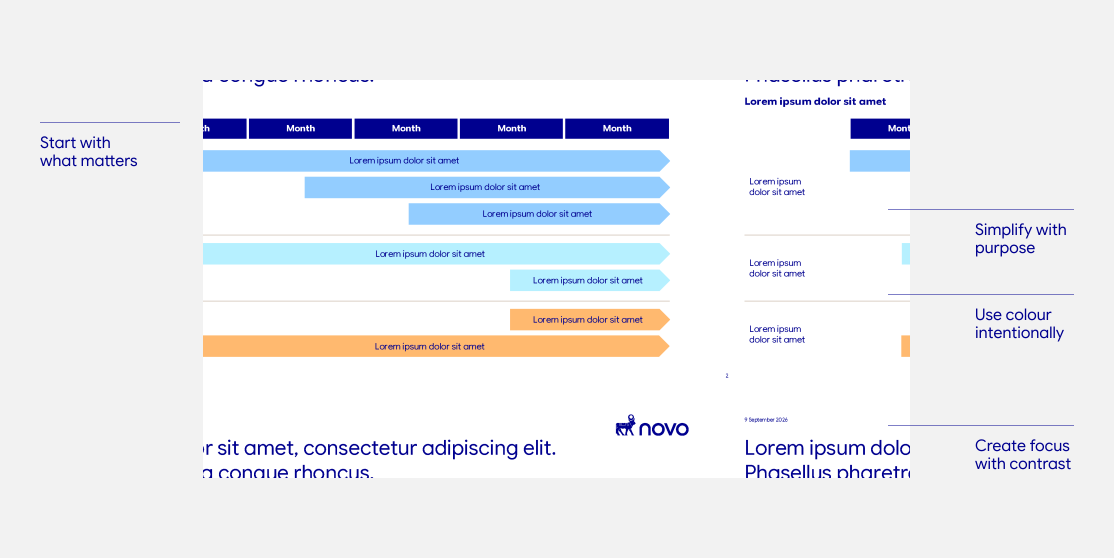
Timelines should make sequence, duration and overlap immediately understandable. Simplifying the structure and grouping related activity helps the viewer understand the overall story before moving into individual phases.
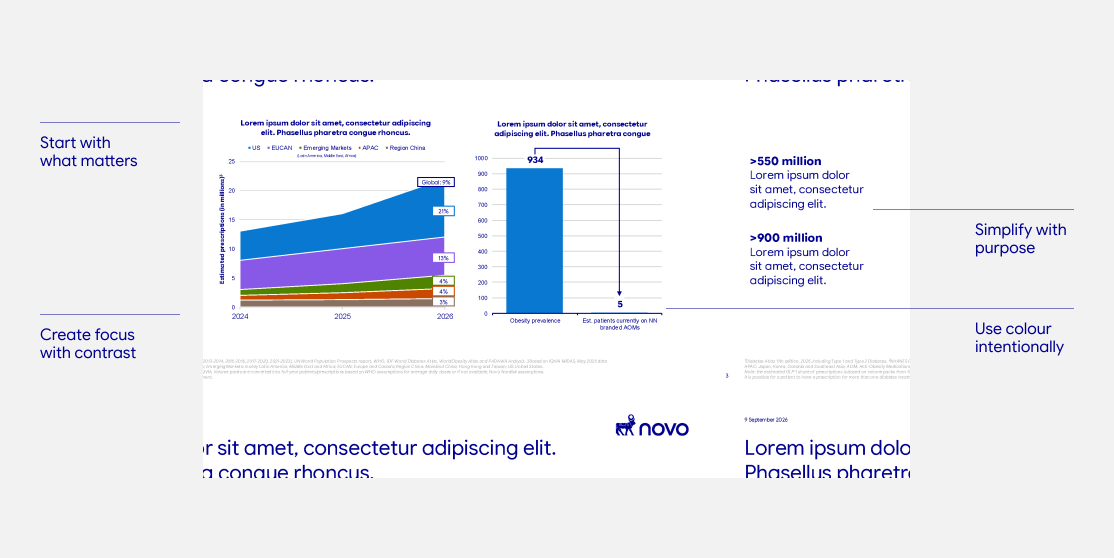
Data-led slides should communicate an insight, not simply display information. Prioritising the key takeaway, selecting the most relevant data and creating a clear hierarchy helps audiences understand both the message and the evidence behind it.
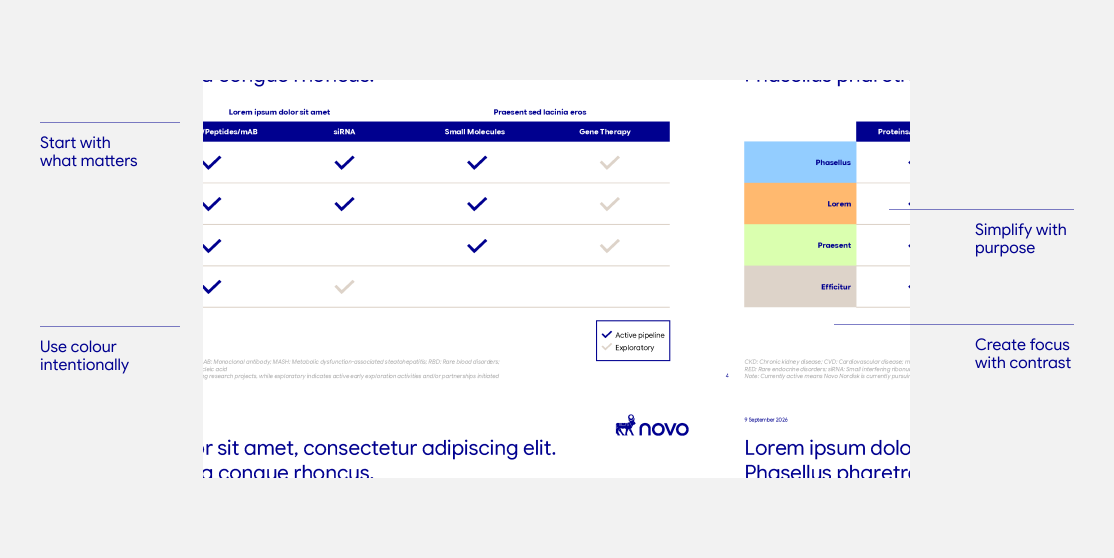
Tables and matrices work best when they make relationships easy to compare. Removing unnecessary visual treatment and organising information within one clear structure helps dense content become faster to scan and understand.
Title, divider, image-led and quote layouts


Content, call-outs, takeaways and comparison layouts


Timeline, process and sequence layouts


Charts, tables and other data-led layouts